Photoshop testing
- charlotte2006lr
- Sep 26, 2023
- 1 min read
Updated: Oct 4, 2023
Editing using PhotoShop is something we do as part of the course. I did multiple tasks to understand how to use photoshop and to see what I can make.
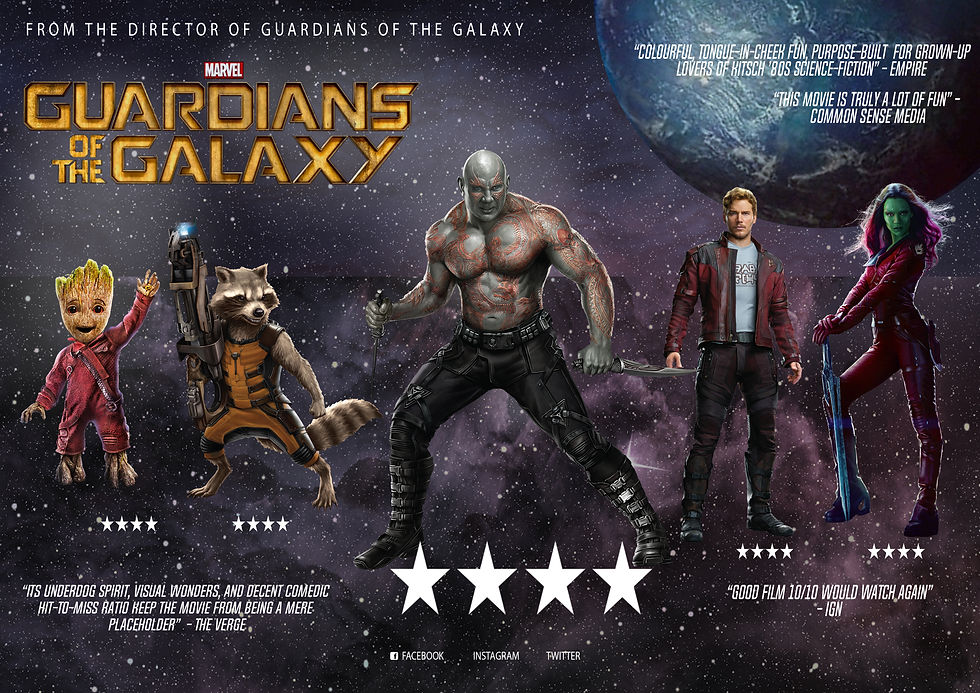
Guardians of the Galaxy
We started by moving around images and creating a movie poster. This was for taking images off of layers, moving them around, resizing them and creating a poster.

Original poster

By using photoshop, I took existing images off the internet to create a poster for a genre of my choice. I chose romance/romantic comedy. I carried this out by putting the background as a street with a man and a woman. To make this more like a stereotypical romance movie I suggested to the viewer that one of the two was new to the location it is set in.
Gradient
By using gradient to blend two photos together we get a seamless transition between two images. In this one I used a couple and beach. On photo shop we add each image to a different layer, press gradient and drag the top layer down and the bottom layer up so there is a fade in the middle. I then added a title in.
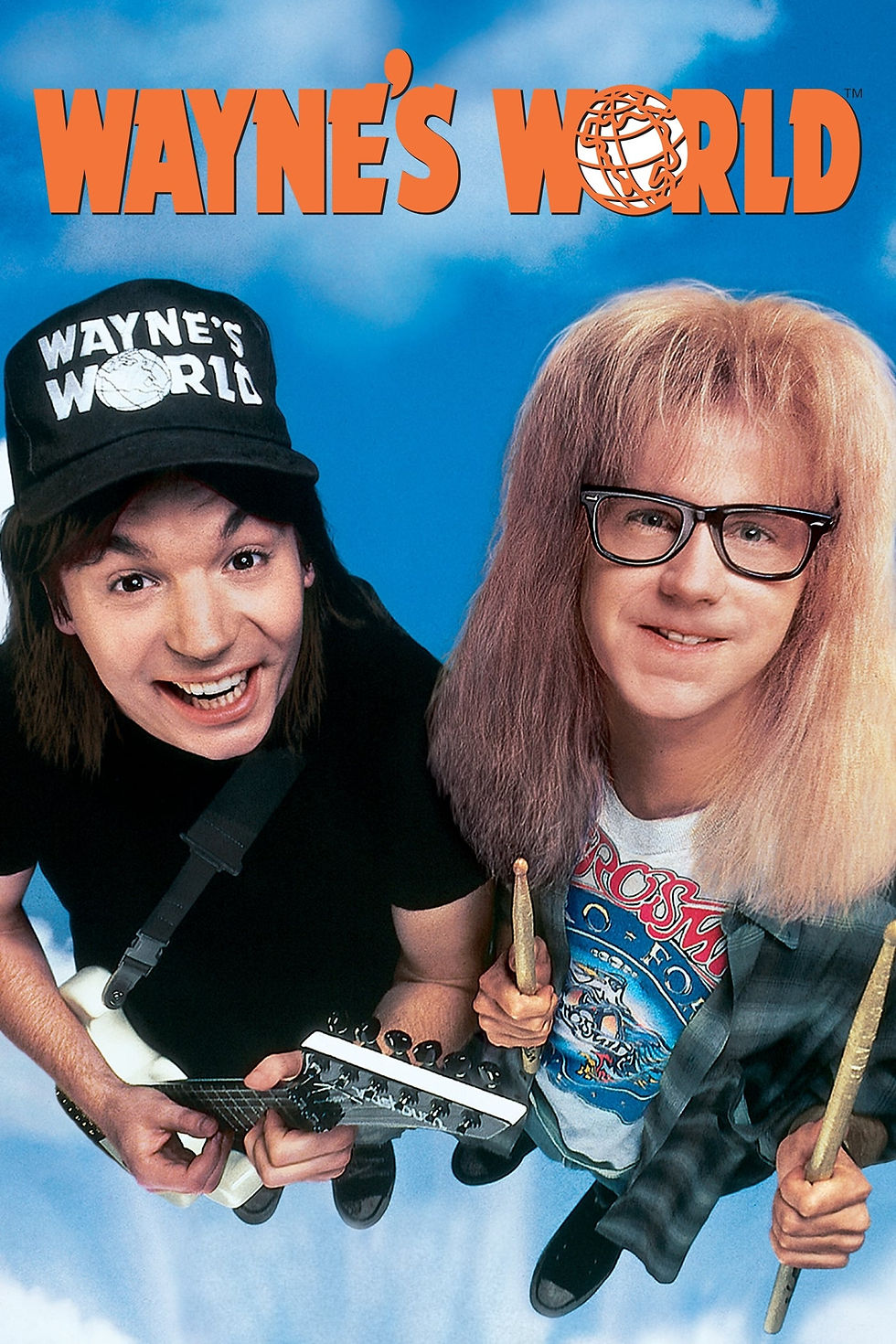
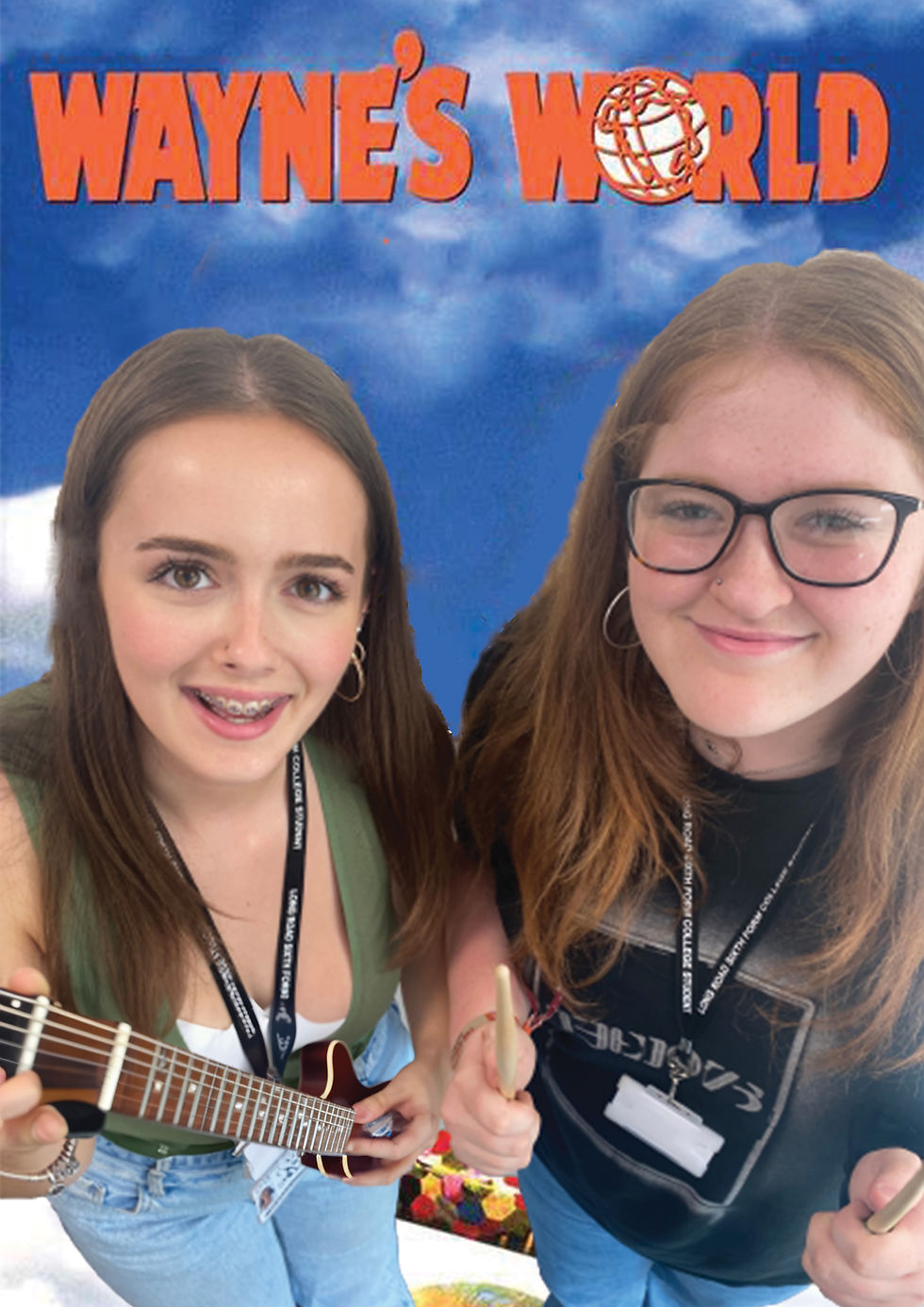
Recreating existing posters
We got into pairs and looked at what movie posters we could recreate. I went with waynes world as it featured 2 people and was did not have too much going on that would be difficult to make. I made two versions of my poster as I added Wayne's hat to Zoe however it did not fit in the image as well as.

Comments